Best Tree Identification App 2026: Tested and Compared
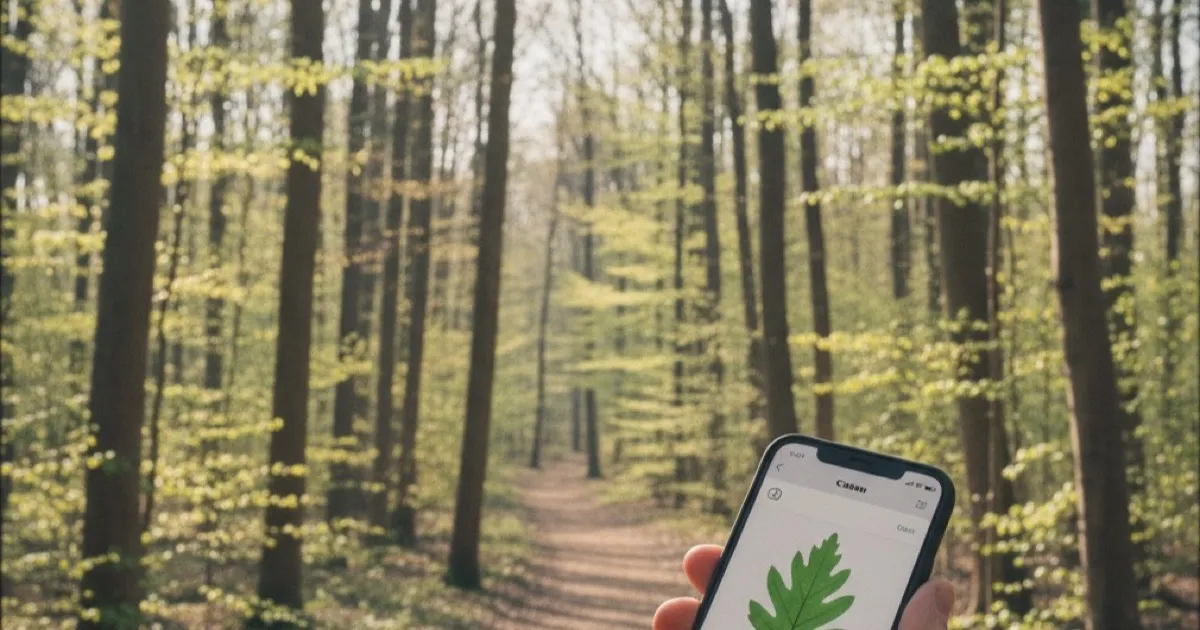
You’re standing on a trail, staring at a tree you can’t name, and you want an answer before you take another step. That’s the promise of every tree identification app on the market in 2026. But not all of them deliver. Some choke on bark photos. Others need a cell signal you don’t have. A few still rely on manual keying through dichotomous charts that feel like homework.
This guide breaks down what actually matters in a best tree identification app in 2026, compares the main approaches available, and explains which features separate the useful apps from the forgettable ones.
What Makes the Best Tree Identification App in 2026
A good tree ID app needs to do three things well: accept the photo you actually have, return accurate results fast, and give you enough detail to learn something. Everything else is bonus.
Here’s what to prioritize when comparing apps.
Identification accuracy. The app should correctly identify common species at a high rate and give you a confidence score so you know when it’s guessing. Without a confidence indicator, you’re trusting blind output.
Multiple input types. You won’t always have a perfect leaf in hand. Sometimes all you can reach is bark. Other times you’ve got a flower, a fruit, or just the tree’s overall shape from across a field. The best apps accept all of these, not just leaves.
Speed. If the app takes 30 seconds to process a single photo, you’ll stop using it by day two. Results should come back in a few seconds or less.
Offline capability. Cell service disappears in exactly the places where you encounter the most unfamiliar trees: national forests, backcountry trails, rural properties. An app that only works online is an app that fails when you need it most.
Species database size. An app that covers 500 species is fine for a city park. But if you travel, hike in different regions, or encounter planted ornamentals from other continents, you need thousands of species in the database.
Platform availability. This one is straightforward. The app should run on both iOS and Android so you’re not locked into one ecosystem.
Photo-Based AI vs. Manual Field Guides vs. Community ID
There are three main approaches to tree identification on a phone. Each has strengths, and the best approach for you depends on how much time you want to spend.
AI-Powered Photo Identification
This is the dominant method in 2026. You take a photo of a leaf, a piece of bark, a flower, or the whole tree. The app’s AI model compares your image against a trained dataset and returns a species match with a confidence score.
Strengths: Fast. Works with whatever plant part you photograph. Improving every year as training datasets grow. Good apps process images in seconds.
Weaknesses: Accuracy drops on unusual angles, damaged specimens, or species with very similar-looking relatives. Young trees and cultivars can confuse the models. Performance varies widely between apps.
Manual Digital Field Guides
Some apps are essentially digital versions of a tree field guide. You answer questions about leaf shape, bark texture, region, and other characteristics, and the app narrows down the possibilities. Think of it as a flowchart on your phone.
Strengths: You learn the identification process itself. Doesn’t require a good photo. Works offline by design.
Weaknesses: Slow. Requires you to already know botanical terminology (simple vs. compound, alternate vs. opposite, serrated vs. entire). If you pick the wrong answer at any step, the entire result is wrong. Not practical for quick field identification.
Community Identification Platforms
A few apps let you submit photos and wait for other users or experts to identify your tree. This crowdsource model can produce very accurate results because experienced botanists and naturalists weigh in.
Strengths: High accuracy for difficult specimens. Human experts catch things AI misses.
Weaknesses: Not instant. You might wait hours or days for a response. Quality depends entirely on the community size and activity. Useless when you need a quick answer on the trail.
The Best Approach
For most people in 2026, AI photo identification is the clear winner for daily use. It’s fast, it’s getting more accurate each year, and it works in the field when you need an answer right now. Community identification is a solid backup for specimens that stump the AI. Manual field guides are valuable for learning, but most casual users won’t stick with the process.
Features That Separate Good Apps from Great Ones
Beyond the basics, a few features matter more than you’d expect.
Wood identification. Most tree ID apps focus on living trees, but some people also need to identify cut wood, lumber, or stumps. Recognizing wood grain, texture, and color is a different skill from identifying leaves, and very few apps handle it. If you’re a woodworker, furniture buyer, or just curious about the boards in your deck, this feature is worth looking for. Understanding how different wood grains reveal species identity shows why this goes beyond simple leaf matching.
Detailed species information. Getting a name isn’t enough. You want characteristics, habitat range, common uses, and physical properties. A good app teaches you something about every tree it identifies.
Privacy. Your photos contain GPS data, timestamps, and sometimes identifiable locations. Some apps upload everything to cloud servers with vague privacy policies. Others process locally or handle data with clear, privacy-focused practices. Worth checking before you install.
Free tier that’s actually usable. Many apps lock identification behind a paywall from the first scan. A reasonable free tier lets you test accuracy before committing money.
Best Tree Identification App in 2026: Our Top Pick
After comparing what’s available in 2026, Tree Identifier stands out for a specific reason: it covers more identification scenarios than any single competitor.
Most apps identify trees from leaf photos only. Tree Identifier accepts leaves, bark, flowers, fruits, and whole-tree shapes. It also handles wood identification from grain and texture photos, which puts it in a category of its own for anyone who works with lumber or encounters cut wood. The AI processes images in seconds and returns results with confidence scores, so you can gauge reliability on every identification.
The species database covers thousands of species, and each result includes detailed information: characteristics, natural habitat, common uses, and physical properties. That turns a quick ID into a real learning moment.
Two features stand out for field use. First, offline mode lets you download species data before a trip so the app works without cell signal. If you’ve ever tried to identify trees on a Pacific Northwest trail without reception, you know why this matters. Second, the app gives you 2 free identifications per day without requiring a subscription, so you can test it thoroughly before deciding whether to upgrade.
Tree Identifier is available on both iOS and Android. It processes photos with privacy in mind, and the interface stays out of your way so you spend more time looking at trees and less time figuring out the app.
How to Get the Most Accurate Results from Any Tree ID App
No matter which app you choose, the quality of your photo determines the quality of your result. A few habits make a big difference.
Fill the frame. Get close enough that the leaf, bark section, or flower fills most of the photo. Background clutter confuses AI models.
Use good lighting. Natural daylight works best. Avoid harsh shadows or direct sun that washes out color and texture detail.
Photograph multiple parts. If the app supports multiple input types, give it more than one angle. A leaf photo plus a bark photo will produce a more reliable identification than either alone.
Avoid damaged specimens. Diseased, dried, or insect-damaged leaves look different from healthy ones, and the AI may misidentify them. Choose the healthiest specimen you can find.
Try different seasons. Trees look dramatically different across seasons. A tree that’s hard to identify in winter might be obvious in spring when it flowers. If you’re curious about how to approach leafless trees, winter identification techniques cover the key strategies.
Frequently Asked Questions
Are tree identification apps accurate enough to trust?
The best AI-powered apps correctly identify common species the majority of the time, especially with clear, well-lit photos. Accuracy drops with rare species, young seedlings, and damaged specimens. Confidence scores help: a result with 95% confidence is much more reliable than one at 40%. For critical identification needs, cross-reference with a field guide or expert.
Do tree identification apps work without internet?
Some do. Apps with offline mode let you download species data to your phone before you lose signal. This is a key feature for hikers and anyone working in areas without reliable cell coverage. Not all apps offer it, so check before you head out.
Can I identify a tree from its bark or wood, not just leaves?
A few apps support bark and wood identification, but most are leaf-only. If you regularly encounter situations where you only have bark, cut wood, or overall tree shape to work with, look for an app that accepts multiple input types. Wood grain identification is especially rare, so it’s worth testing before you rely on it.
Is it worth paying for a tree identification app?
That depends on how often you use it. If you identify trees a few times a month, a free tier with daily scan limits may be all you need. If you’re a frequent hiker, student, or professional who identifies trees daily, a subscription removes the limits and usually adds features. Try the free version first and upgrade if you hit the ceiling.
Find Your Trees
The best tree identification app is the one you actually use in the field. Accuracy, speed, offline access, and multi-input support are the features that matter when you’re standing in front of an unfamiliar tree. In 2026, AI photo identification has matured enough that getting a reliable species name takes seconds, not minutes.
If you want a single app that handles leaves, bark, flowers, fruit, whole trees, and cut wood, Tree Identifier covers all of those inputs with a free daily tier to get you started. Download it, snap a photo of the next tree you pass, and see what you’ve been walking by.
Rachel Nguyen
Tree Identifier Team